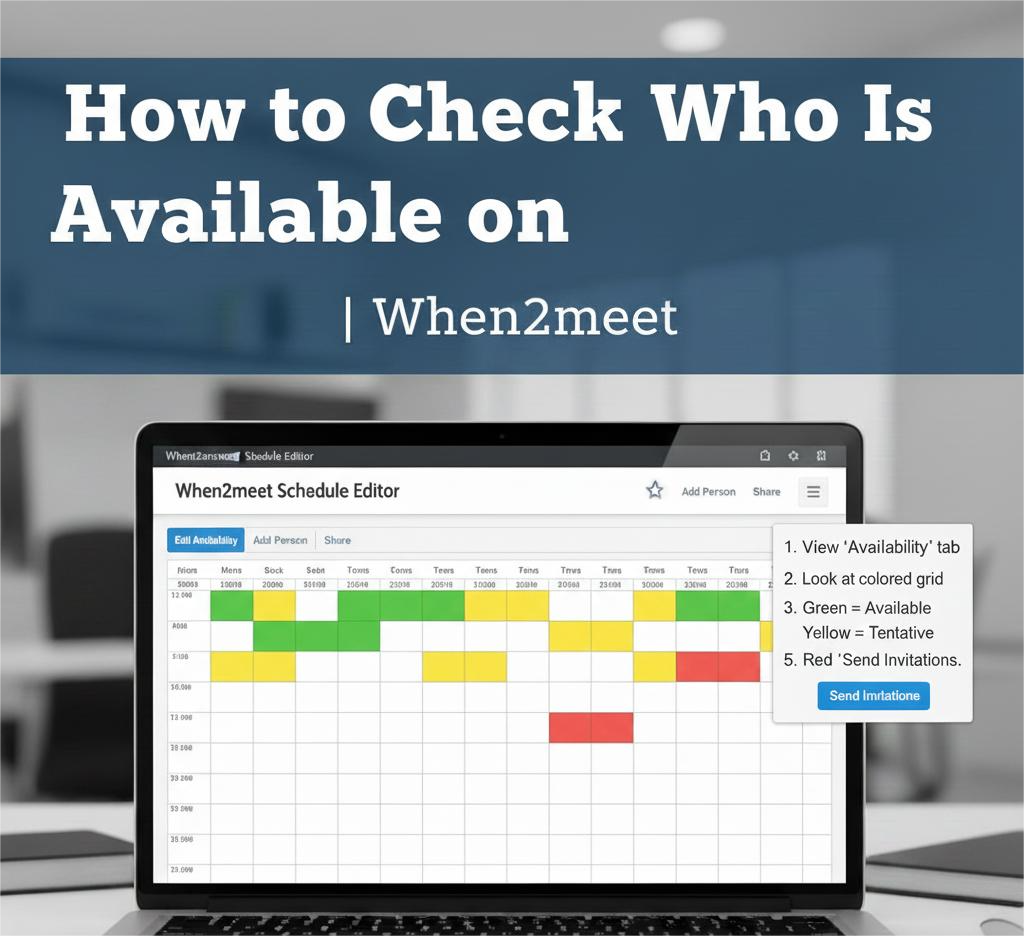
When organizing a meeting, class project, or event, one of the most challenging parts is figuring out who is available and when. When2meet makes this process simple with its intuitive availability tool. If you’ve already created an event and participants have selected their available times, the next step is checking who is available at different time slots.
In this guide, you’ll learn step-by-step how to check availability on When2meet, so you can schedule meetings efficiently and confidently. If you want to create or use When2meet for scheduling, you can visit When 2 meet.
Step-by-Step Guide: How to Check Availability
1. Open Your When2meet Event
Start by accessing the event page link you created earlier. This link may have been shared via:
- Email
- WhatsApp
- Slack
- Messenger
- Calendar invitation
Once opened, you’ll see your event name, calendar grid, and participants list.
2. View the Availability Grid
The main feature of the event page is the visual grid. Each square represents a time slot, and the color intensity shows how many people are available.
- Light color = fewer participants available
- Darker color = more participants available
- Darkest area = best time to schedule
3. Hover Over a Time Slot
To see who is available during a specific time:
- Move your mouse over any square in the grid
- A list of names will appear below the schedule
- You’ll see a breakdown of available vs. unavailable participants
This feature allows you to identify the best time with the highest attendance.
4. Check Individual Availability
On the left side of the grid, you will find participant names.
- Click a participant’s name
- Their schedule highlights, showing exactly when they marked themselves available
This is useful if you need to schedule around key participants such as:
- Team leaders
- Event organizers
- VIP guests
- Supervisors
5. Choose the Best Time
Once you’ve checked the most available time slots:
- Select the darkest block indicating peak availability
- Confirm the time with your group
- Proceed to send the final meeting invite
Why Use When2meet?
Using platforms like When2meet eliminates confusion and helps streamline scheduling. You don’t need back-and-forth messages or spreadsheets—everything is automated and visual.
Final Thoughts
Checking availability on When2meet is fast, intuitive, and efficient. Whether you’re organizing a small meeting or coordinating large teams, this tool helps you quickly find the best time that works for everyone.
Simply view the grid, explore participant availability, and pick the most suitable time slot—it’s that easy.