Coordinating a group meeting can be challenging, especially when everyone has different schedules. Whether you’re planning a team project, work meeting, class workshop, or reunion, a tool like When2meet makes it simple to compare availability and find the best meeting time for everyone.
In this guide, you’ll learn how to make a When2meet group, how to send invitations, and how participants can mark their availability—all in just a few steps.
What Is When2meet?
When2meet is a simple online scheduling tool that allows users to compare availability without signing up or installing anything. Its clean interface and real-time updates make scheduling easier and faster.
You can easily access it here: When2meet.
How to Make a When2meet Group (Step-by-Step)
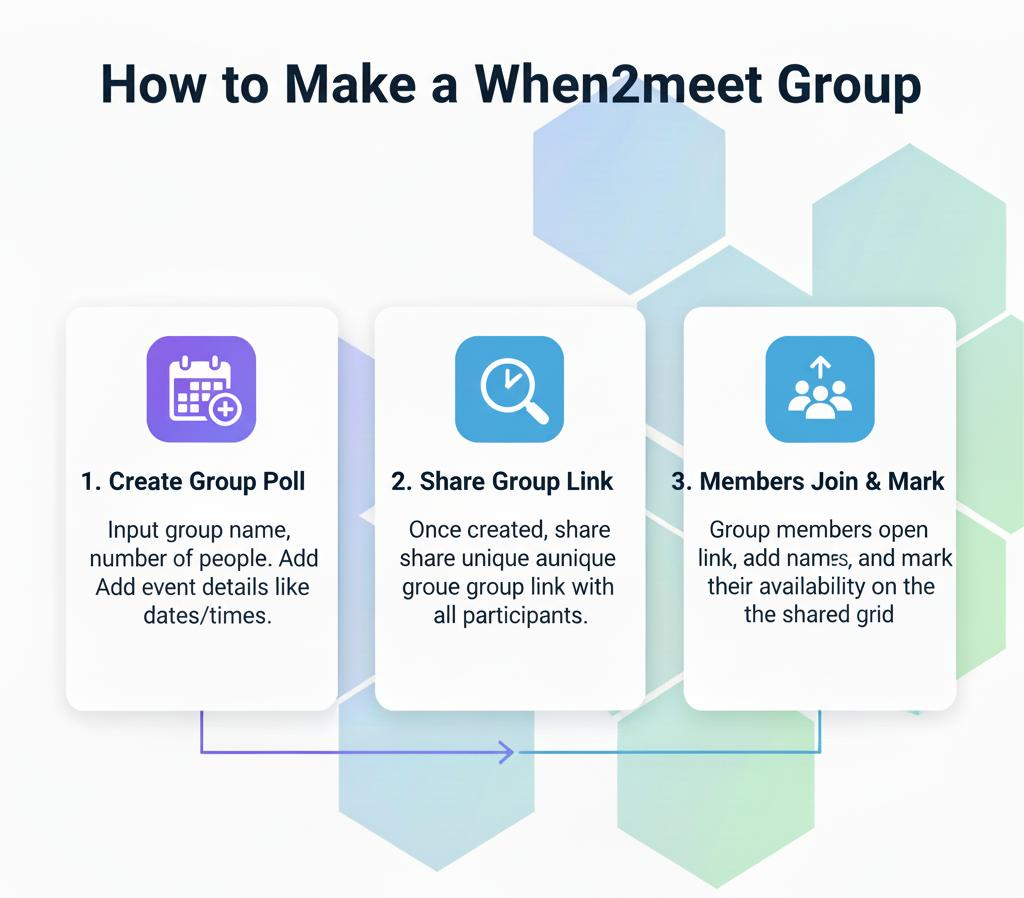
Creating a group on When2meet only takes a few minutes. Follow the steps below:
Step 1: Go to When2meet
Start by visiting the tool:
👉 When2meet.it.com
Step 2: Create a New Event
Click on “Create a New Event” or a similar button depending on the version.
You’ll now enter basic event details:
- Group or event name
- Time zone (optional but recommended for remote teams)
- Date range (single day or multiple days)
- Meeting preferences (optional)
Step 3: Generate the Group Link
After entering your details, the platform will automatically create a unique link for your event. This link acts as your group page.
Step 4: Share the Link With Group Members
Share the event link with participants using:
✔ Email
✔ WhatsApp
✔ Slack
✔ Facebook Groups
✔ Google Classroom
✔ Microsoft Teams
Participants do not need an account to join or update their availability.
Step 5: Participants Select Availability
Once group members open the link, they can:
- Enter their name
- Highlight times they are available by clicking or dragging
- View others’ availability instantly
The system automatically updates for everyone viewing the schedule.
Step 6: Choose the Best Meeting Time
Once members finish selecting their availability, the tool highlights:
- Bright green areas → Best overlapping time slots
- Lighter green areas → Some participants available
- White → No availability
This makes it easy to find the ideal meeting time with the highest attendance.
Tips to Make Your When2meet Group More Effective
| Tip | Benefit |
| Set clear date ranges | Avoid confusion and unnecessary time slots |
| Notify participants early | Faster responses |
| Ask people to update if plans change | Keeps scheduling accurate |
| Use reminders | Helps slower responders participate |
Who Should Use a When2meet Group?
A When2meet group is perfect for:
- Online teams
- Class groups or university students
- Remote employees
- Event planners
- Clubs or organizations
- Volunteer groups
Anyone coordinating multiple schedules will find it useful.
Final Thoughts
Creating a When2meet group is one of the easiest ways to coordinate schedules and find a meeting time that works for everyone. There’s no sign-up, no confusion, and no long message threads—just a simple shared schedule.
To get started, visit: When 2 meet and create your event in seconds.